Decoder routine and other code works fine. I'll check other things too later. I already tried setting mode 6, no difference.
The USB<>Serial converter is common one, based on CH340 chip.
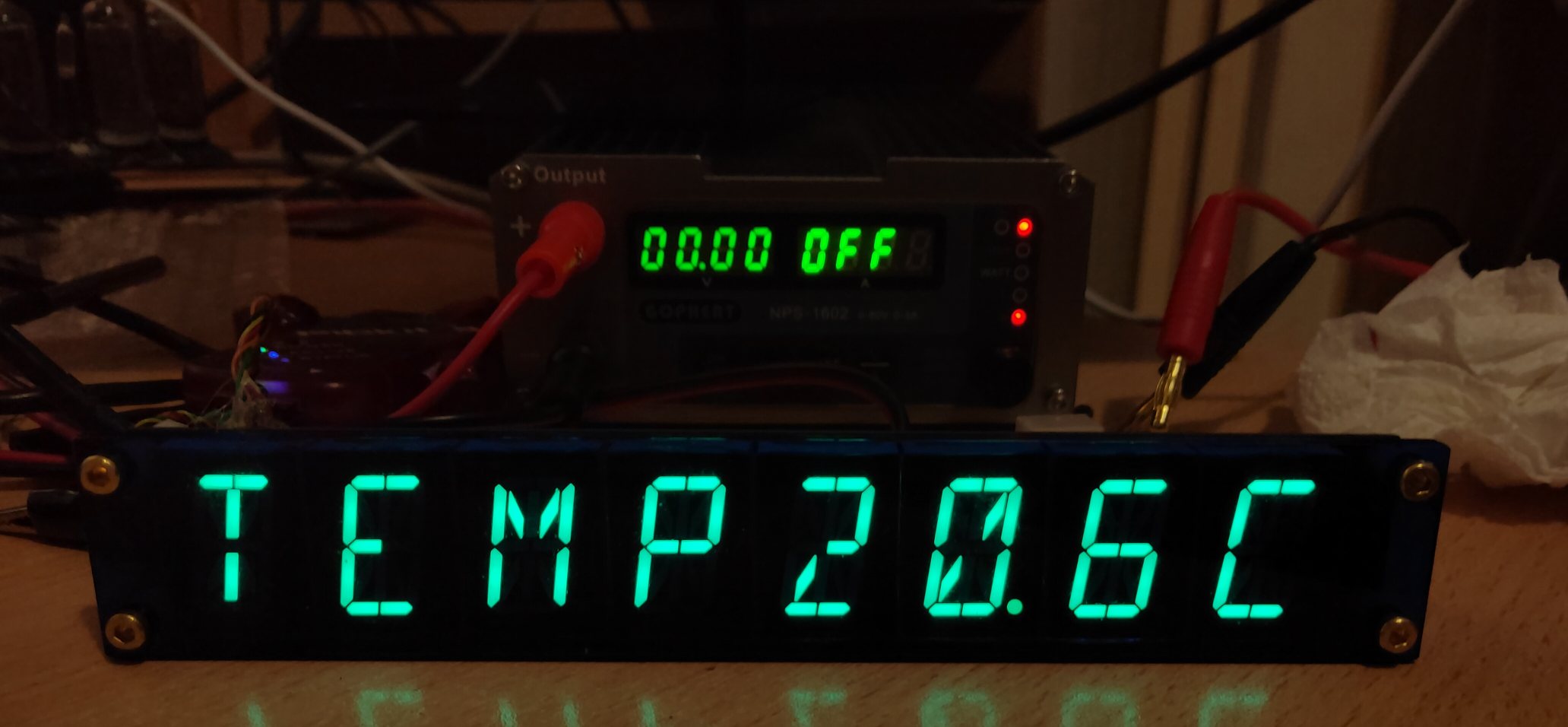
![]()
Decoder routine and other code works fine. I'll check other things too later. I already tried setting mode 6, no difference.
The USB<>Serial converter is common one, based on CH340 chip.
![]()
Issue solved.
While manual says "Pin is automatically made an input."
In fact it does not, so I made that pin an input via TRIS register and now (mode 6) works fine.
Now how to change above code, so it displays text immediately after pressing the enter, not waiting for 8 characters to fill in?
Page 211 of the manual for the SERIN2 command
Use STR ArrayVar\n{\c} where the c is the 13 (enter).
Ioannis
Like this?
serin2 portb.6,16468,[WAIT(13),STR textline\8]
It works, but with big delay and not repsonding to "ENTER"
actually, it only works when 8 characters are typed in a row quickly...
More like this
serin2 portb.6,16468,[STR textline\8\13]
It will exit either filling 8 characters in the textline or earlier if you hit enter
If you want also to start filling textline after first enter then use this (not recommended though):
serin2 portb.6,16468,[WAIT(13),STR textline\8\13]
because serin may get confused which enter is, first or last. Better use different character for start and finish.
Ioannis
Wow thanks!
it works like Charm!
Great !
But if you need start character better be different than stop character.
Ioannis
Bookmarks